Most first-week problems with a new marking machine are file problems, not machine problems. This is the checklist we give every operator at installation.
Vector artwork
- Export as DXF, AI (v8 or CS), PLT or SVG at 1:1 scale.
- Convert text to outlines.
- Use black fill with no stroke; the software hatches filled shapes.
- Remove duplicate or overlapping paths — they double-mark.
Images
Use greyscale BMP, JPG or PNG at 300 dpi. The software dithers the image for engraving; higher contrast originals give better results on metal.
Serials and variable data
Create a text object, set it to "serial" with start value and step, or link it to a column in an Excel / CSV file. The machine increments per part and can write each mark to a log.
Barcodes and 2D codes
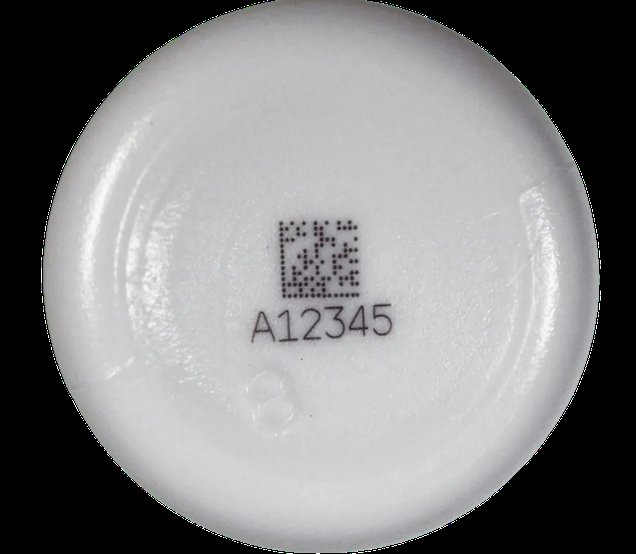
Code 128, EAN-13, QR and Data-Matrix are generated in-software. Keep quiet zones, use a cell size of at least 0.25 mm on fiber, and verify the first part with a reader before running the batch.